The eight o'clock patient is seated and the X-ray will not open.

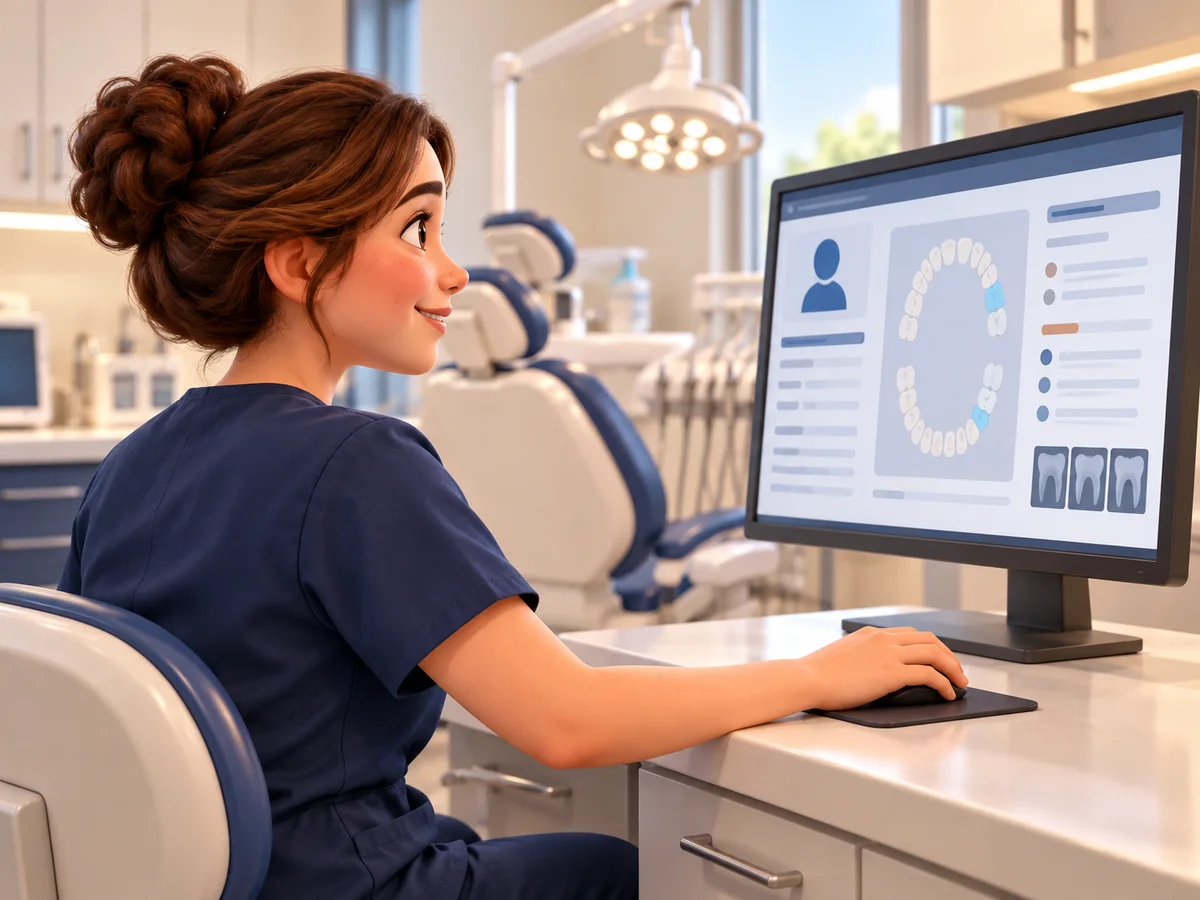
The server, the sensors and the practice software all have to work together. We start with which software you run and what it is connected to.

When three vendors say it is somebody else's problem, we get on the phone with them.

Ask one IT question

Hygiene runs on a column with no slack in it

A dental operatory between patients: an empty chair, an arm-mounted monitor showing indistinct pale shapes, a rolling instrument cabinet, and a network faceplate with a cable running down the wall.

The chart opens and the image does not. Your assistant reseats the cable, walks the patient to the operatory next door, restarts the workstation, and asks the front desk to move the next appointment. Twenty minutes are gone and nobody has touched a tooth.

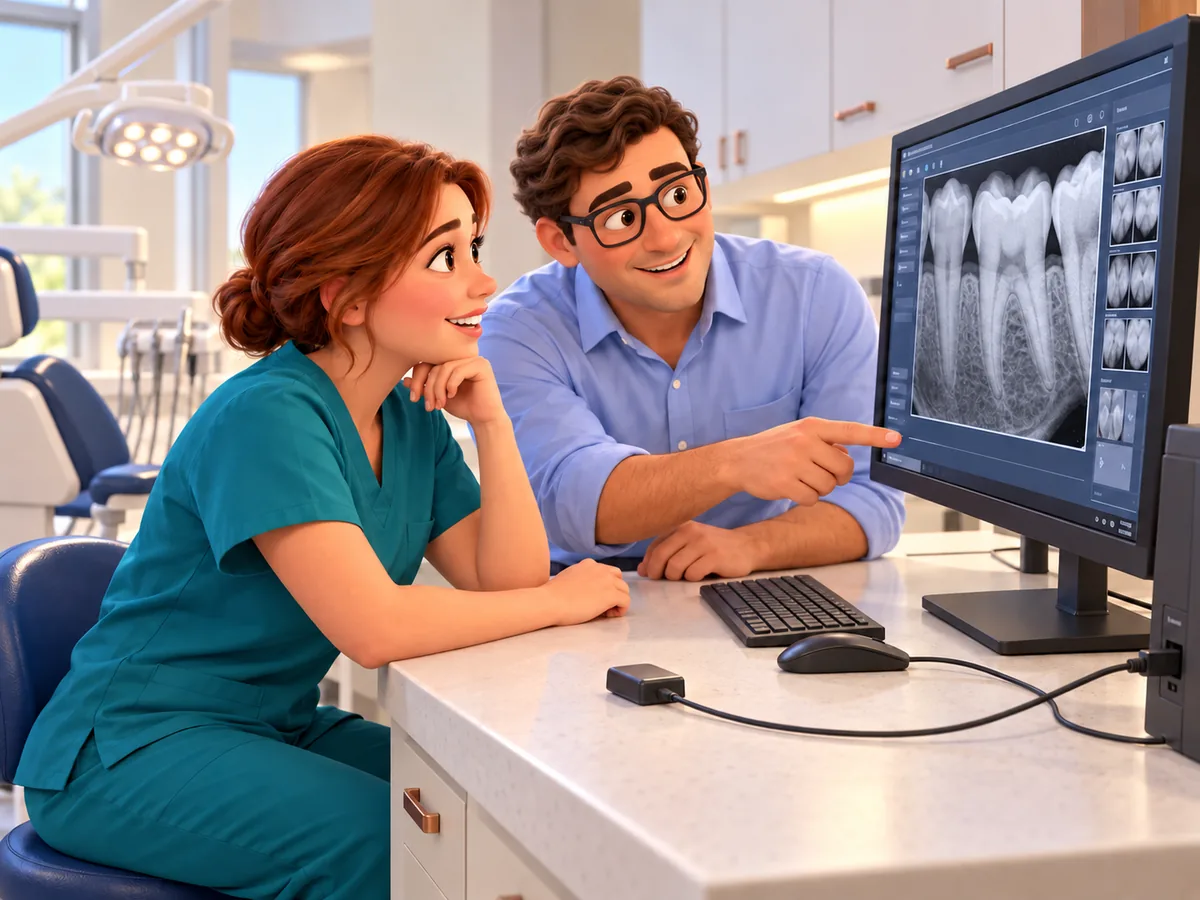
The practice software vendor says the imaging bridge is fine. The imaging vendor says the sensor tests good on their bench. Both of them are telling the truth. Neither one owns the piece in between.

Somebody in your office gets promoted to finding out which piece it was, and they need the sensor model, the software version and somebody's password before they can even start. Usually it is the office manager, and usually on the day that could least absorb it.

We work for you.

Our managed IT has no long-term contract. There is no separate onboarding fee either.

We resell nothing and take no vendor commissions. Nobody pays us to recommend their product.

Billy Dunn designs and supervises the technical work. He founded this company in 1989, and the same family has owned and run it ever since.

Within our scope, we document what your business controls. That means the domains and the administrative accounts. The documentation is yours whenever you want a copy, including when you leave.

Three that come up in almost every dental office

Operatories

The sensor works in one room and not the next

Patterson's own requirements recommend Intel USB chipsets for Schick digital X-ray, and say flatly that ScanX will not work with the SIS chipset. Two workstations bought a year apart are not the same computer.

So the sensor starts travelling down the hall, which is how sensors get dropped.

Backups

The backup has the database but not the radiographs

Open Dental keeps scanned and imported files in a separate A to Z folder, usually C:\OpenDentImages. Eaglesoft keeps practice data and image data apart as well.

A job that captured one of the two looks green every morning and restores half a practice.

The server

The tidy fix is the one the vendor will not support

Patterson says a dedicated Eaglesoft server is recommended at six or more workstations, that it is not supported on a domain controller, and that a virtual machine is not supported for any Patterson software.

Folding it onto the box you already have can put the practice outside vendor support without anybody noticing.

When the fault sits between two companies, chasing it is our job, not your office manager's.

Which Dentrix you run changes the whole answer

Dentrix installs locally. Dentrix Ascend runs in a browser. Eaglesoft and Fuse split the same way, and so do Open Dental and Open Dental Cloud. Same vendor, same name on the door, completely different problem to support. Anybody who quotes you before asking which one you have is guessing.

Moving to the cloud does not remove the network. It raises the bar on it.

Open Dental publishes the numbers it wants to see before it calls a practice a good fit for its cloud service. Worth measuring your own connection against them before moving the whole practice into a browser.

20 / 10 Mbps down and up, the stated minimum Open Dental Cloud requirements
< 30 ms Latency to a data center, for a good fit Open Dental Cloud requirements
> 50 ms Named by the vendor as unsuitable Open Dental Cloud requirements

That same page describes the service as suiting a practice whose imaging software does not need to be hosted, so the imaging still needs a plan of its own.

The practice software is not the whole practice

Scheduling, charting, perio, imaging, claims, attachments, eligibility, recall and patient messaging all run on connected systems. The practice software may be hosted somewhere else now, but the sensors, the scanner, the capture workstation, the network, the printers, the phones and the accounts inside the building are still yours.

The systems your dental office runs on

The practice system

Dentrix and Dentrix Ascend, Eaglesoft and Fuse, Open Dental and Open Dental Cloud, Denticon, Curve, CareStack, tab32, DentiMax and DentiMax Flow; SoftDent and PracticeWorks in offices with Carestream history; Dentrix Enterprise in community health

Specialty systems

Cloud 9 and Dolphin Management in orthodontics, OrthoTrac alongside them; WinOMS in oral surgery, and DSN across oral surgery, periodontics and endodontics. Not larger versions of a general-practice system, and not supported like one

Imaging and the capture workstation

DEXIS and DTX Studio, CS Imaging, Planmeca Romexis, Schick and Sirona, Apteryx XVWeb, Dolphin Imaging, 3Shape TRIOS and Unite, iTero, and the CBCT. Plus the acquisition PC nobody counts as a server

Claims, attachments and eligibility

DentalXChange and ClaimConnect, Vyne Trellis, FastAttach, and a payer portal for every plan you take

Recall and patient messaging

Weave, Solutionreach, RevenueWell, NexHealth, Lighthouse 360, Dental Intelligence Engagement. Each one holding another copy of your patient list

Everything your staff touches

network, Wi-Fi, label and receipt printers, scanners, email, phones, accounts. Yours, whatever the software vendor hosts

When one piece fails, hygiene backs up first and the waiting room gets a front-row seat. We manage everything around the practice software, and we take it up with the vendor when the fault sits between companies.

If you are a specialist, the records are the hard part

Any practice that goes down loses the same core: the schedule, the charts, the images, the claims in flight. A specialty practice has more in the air on top of that, because a case arrives from another office and has to go back to it. Tracings, the referral, the inbound images and the report owed to the referring dentist all have to survive too, and a plan built around the appointment book will not have accounted for them.

What changes with your specialty

Orthodontics

Dolphin Imaging records and cephalometric tracings belong in the recovery plan next to Dolphin Management, Cloud 9 or OrthoTrac. So does the question of who the message is actually going to, since the patient and the person paying are often two people

Oral surgery

With WinOMS or DSN, the referral is the workflow. We follow a case the way your staff does: how it arrives, where the images land, and how the report gets back to the referring office

Periodontics and endodontics

Implant records, recall, referral intake and image sharing with the restorative dentist. Test the exchange, not only the appointment book

If you are running SoftDent, OrthoTrac or WinOMS, Carestream's newer Sensei Cloud platform is the direction of travel. Get the migration path, the timing and your data-export terms in writing before you need them, not during the move.

A claim can sit for a week waiting on a file

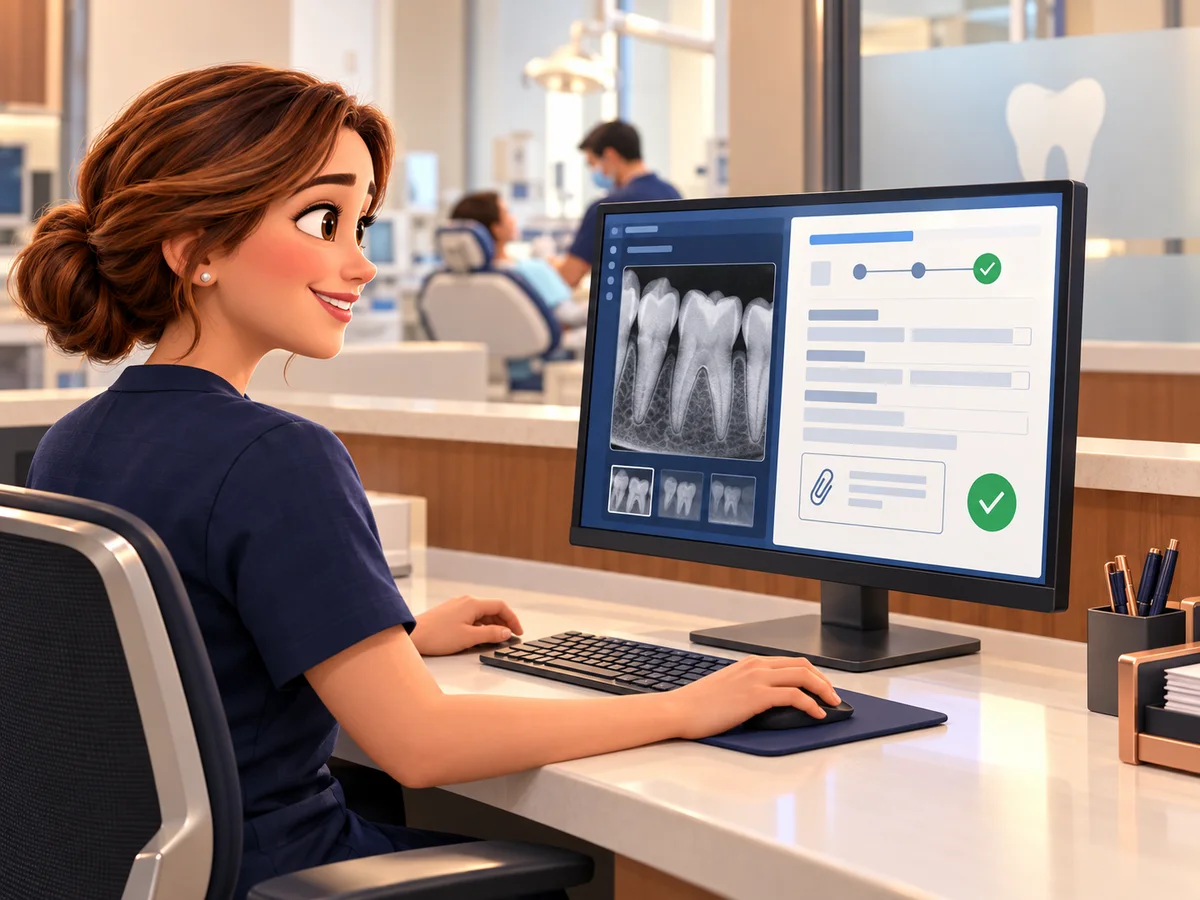
Clicking Send is not the end of it. DentalXChange flags which claims need documentation, payer by payer, and AttachmentConnect is where the radiograph, the perio chart or the narrative actually goes. The image has to get out of the clinical record and onto the claim, and that handoff is technical.

We trace that route with your billing person and the vendor: which claim wants the file, whether the attachment tool can reach it, and what comes back. What the claim should say stays with your team.

Patient information needs sensible boundaries

The check-in desk of a small practice: a monitor showing an indistinct schedule grid, a card reader, a printed day sheet on the counter and a wall of colour-tabbed chart folders behind.

Patient information turns up in email, scanned forms, claim attachments, image exports, treatment plans sent home with somebody, voicemail and whatever device is sitting on the counter. Give staff the access their jobs need, take it back the day they leave, and do not let one shared login become office tradition.

We configure and manage Microsoft 365 or Google Workspace, multi-factor authentication, permissions, device security and secure sharing. Those controls help protect patient information. They do not certify compliance, and we will not pretend otherwise: the policies, the risk analysis, the training and the regulatory decisions stay with the practice.

Ransomware takes the schedule, the images and the claims in the same hour

An incident is not only missing files. A practice that loses its server can lose the day's schedule, the charts, the radiographs and the claim history in the same hour. If the phones run through that server too, they go with it. One box, the whole morning.

Monitoring runs around the clock through a staffed security operations center. Phishing simulation and training help people spot a fake document share, password reset or payment request, including one that looks like it came from the office manager.

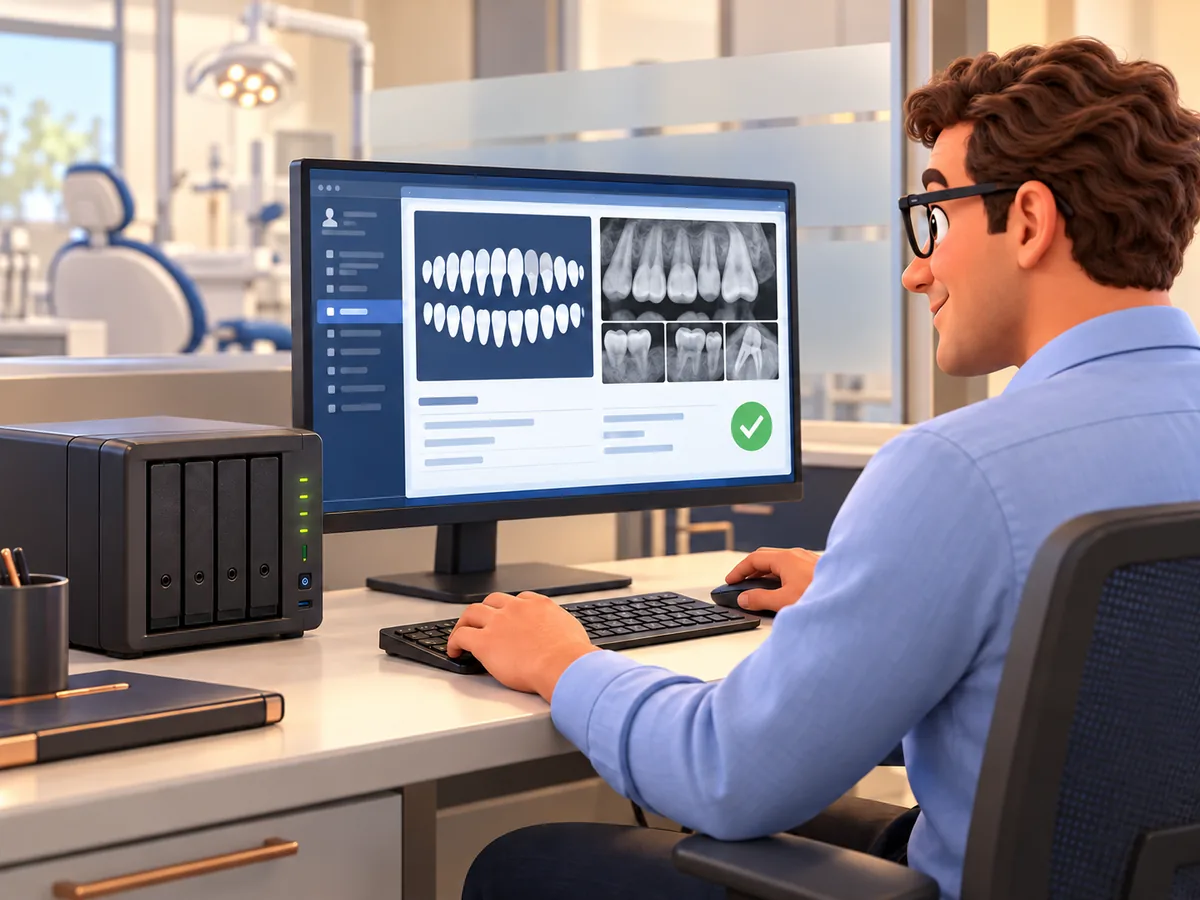
A backup sitting next to the server it protects gets encrypted along with it. We keep backups separate, and Open Dental says the same thing we do about the rest: test them, regularly, to be sure they restore. We run the restore instead of reading the report.

Security has to fit how the practice actually works. Anything that blocks a routine task just breeds shortcuts around it.

Agree on the recovery order while the schedule is still running. Start with these questions:

  • How will patients reach us?
  • How will we see today's schedule?
  • Can the doctor open charts and perio?
  • How do we get radiographs for the people already in chairs?
  • When do claims and attachments have to resume?
  • What can wait until next week?

Ask one IT question

Pick the thing about your practice's IT that has been nagging at you and send it over. You will get a straight answer, at no charge, with nothing to sit through afterward. If the honest answer is that somebody has to look at it, we will say so.

Send one question

Email it or pick up the phone. No form to fill in first and no meeting to sit through.

Get a straight answer

At no charge. If it can be answered honestly from the outside, we answer it. If it cannot, we say that instead.

Decide what happens next

Nothing follows automatically. If a closer look would help, we will tell you, and it is still your call.

Before you send it

We already have somebody doing our IT

Ask anyway. If your person has it handled, that is what you will hear, and it will have cost you one email. We are not trying to talk you out of somebody who is doing the job.

What is this going to cost

The answer to a question costs nothing. Anything past that is scoped and priced in writing first, and you approve it before anyone touches a system.

We are in the middle of a contract with someone

Nothing here asks you to break an agreement. A straight answer to one question is not a switch, and plenty of people ask us something years before anything changes.

The free answer, and any separate review

  • An answer to a question, not troubleshooting, system access or ongoing support.
  • Some questions cannot be answered honestly from the outside.
  • If a closer look would help, we may offer a read-only review as a separate engagement, with a written summary of what we found and what we would do about it.
  • Before anyone touches a system, both sides confirm in writing the scope, the sample, who authorizes the access, the date and any fee.
  • Asking does not book a review, and printed material does not reserve an appointment.
  • Reviews take real hours, so they are subject to availability. One per practice.

A review is a point-in-time sample of the systems named in the written scope. Items outside that scope are not evaluated and have not passed. It is a limited IT safeguard review, not a HIPAA audit, compliance determination, certification, penetration test or legal opinion.

Which operatory has the sensor nobody trusts?

A claim still waiting on a radiograph, a server your software vendor will not support, a backup nobody has ever restored. Send us whichever one it is.

Call (817) 265-5000 or email [email protected].

Ask one IT question